
1) Inventory Part(s)/Service/Inventory Non Sale/Non-Inventory Part are required to create Inventory Assembly
2) Create Inventory Assembly by selecting the Inventory Parts required to build the Assembly.
You can include no of units of each Material required to create an Inventory Assembly

3) Build Assembly by selecting Build Assembly from the top menu panel.

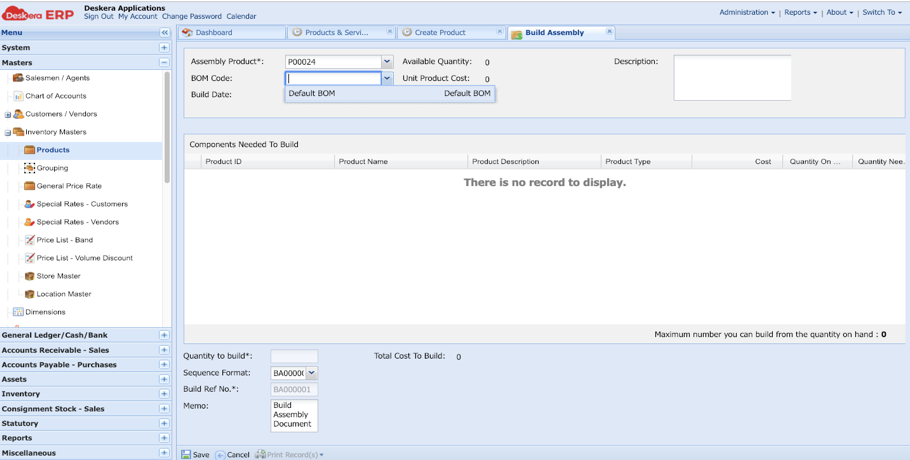
4)Select the Assembly Product as created in Step 2, the BOM code will be shown as Default BOM
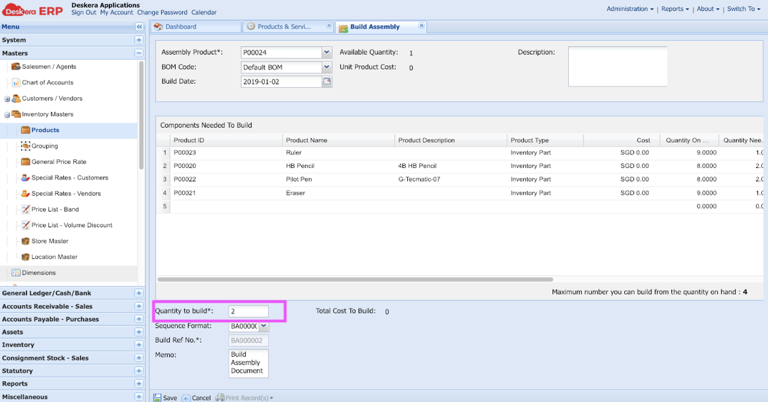
5)Save the number of Quantity you need to build and Save the Build Assembly.
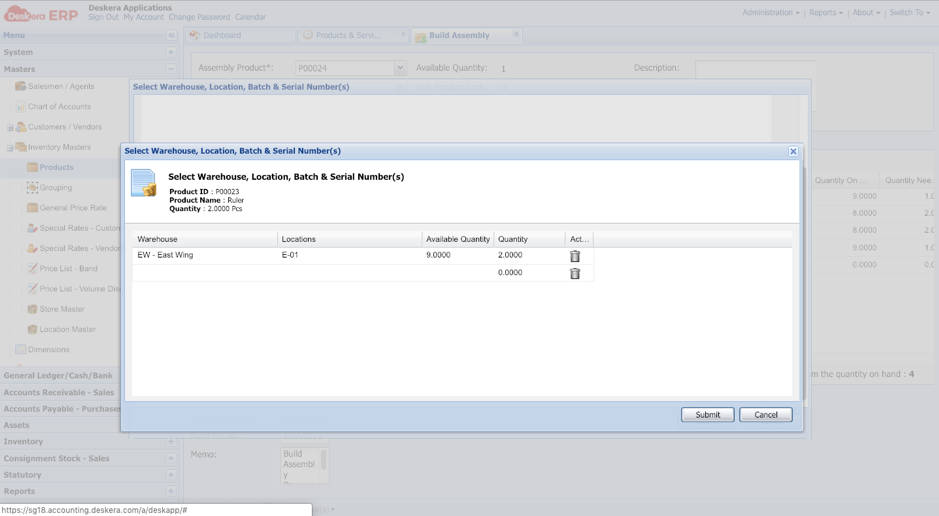
6)The system will direct you to Select the Warehouse Location screen, kindly select the location from where you want to pick the products and click Submit.
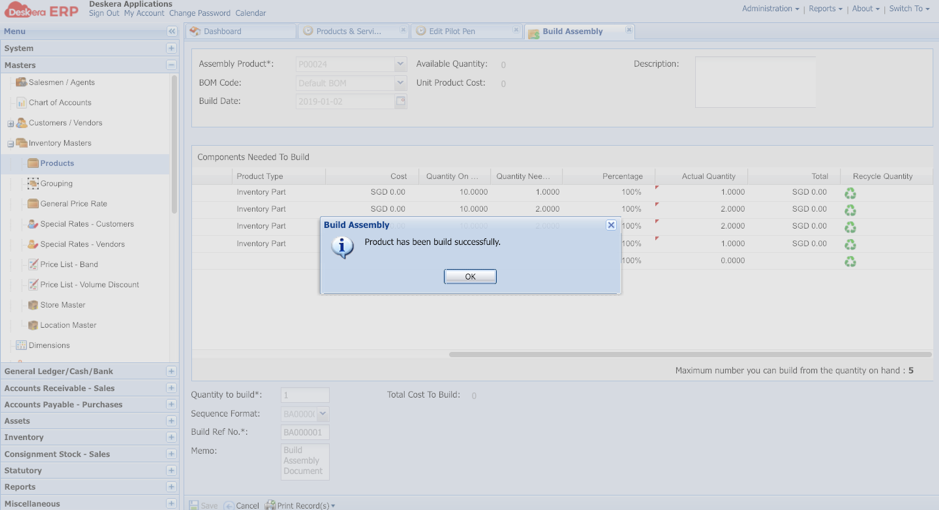
7) Your product Assembly will be build successfully as shown below.
 |
Run Your Business with Deskera |
Comments
0 comments
Article is closed for comments.