
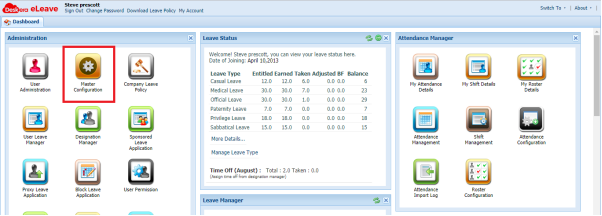
To enable roster in eLeave, you need to go to Master Configuration
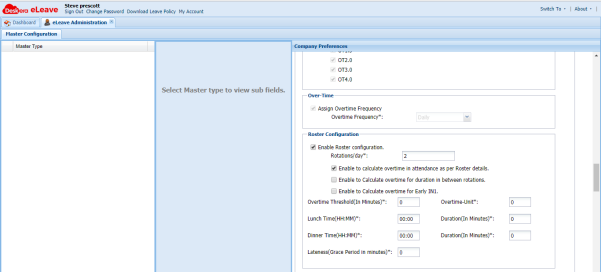
Under Company Preferences, you can enable Roster Configuration and determine how many rotations per day
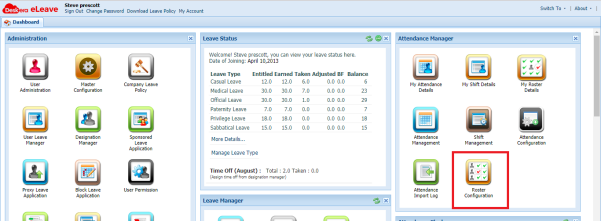
Once enabled, you can access Roster Configuration under Attendance Manager
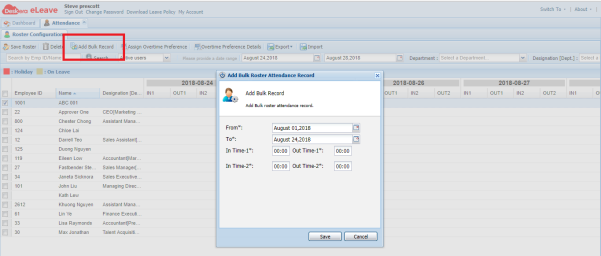
Since the number of rotations per day is set as 2, each day has two sets of In-Time and Out-Time. You can add bulk record for an employee
 |
Run Your Business with Deskera |
Comments
0 comments
Article is closed for comments.